Whiteboard
A whiteboard to write on by finger, pen or mouse: pen, text, sticky notes, shapes and arrows, on a canvas you pan and zoom.
100 %
We would like to measure visits to these pages with Google Analytics: how many people come, from where, and whether they open the board. Nothing loads until you accept, and the classroom board is never measured. Learn more
Nothing to imagine: everything below is the real tool, the one your class will see on the board. Try it.
The draw tools need students. Add a few names — they stay in your browser — or start from a sample list.
A whiteboard to write on by finger, pen or mouse: pen, text, sticky notes, shapes and arrows, on a canvas you pan and zoom.
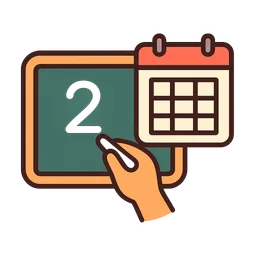
The morning routine, built by you, block by block: the date, the weather, the school-day count and the list of steps to tick off. Everything is set by hand in front of the class.
Saturday
12
September 2026
Sunny
12
September 2026
Classroom jobs: your own list, a picture per job, and one to four students on each. “Draw at random” fills every job at once — at random, but only among the students who have not had a job yet, so nobody repeats until the whole class has had a turn. Nothing moves on its own.
Hand out the notebooks
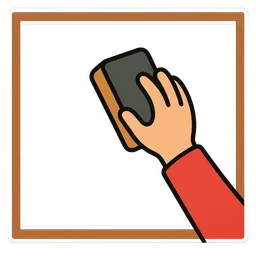
Clean the board
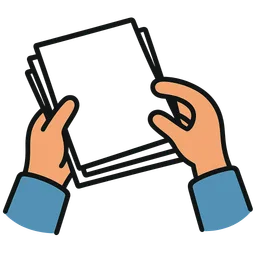
Collect the work
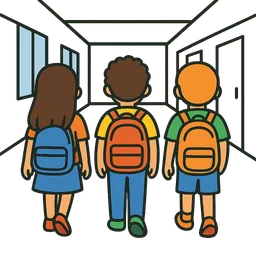
Lead the line
Write the date
7 students with no job
The wheel draws a student among those present — big, colourful, readable from the back of the room.
Add at least 2 present students to spin the wheel.
Spin the wheel to draw a student.
No draws yet.
The no-frills draw: a name comes out, and you can draw again right away.
Add at least one present student to draw a name.
No draws yet.
Shuffle present students into a full turn order — everyone gets a turn, nobody is forgotten.
Add at least one present student to generate a turn order.
Teams of the size you choose, balanced to within one student, built from present students only.
Add at least 2 present students to form teams.
A work period counted down, displayed large for the whole class.
Pick how many dice and roll — for games and number activities.
Draw one or more random letters — perfect for word games.
Pick how many letters and draw!
A random number between the minimum and maximum of your choice.
Set the range and generate!
Red, yellow or green in one click — your noise or work-mode code.
Tap a colour to display it.
Work symbols displayed large: the instruction is seen without being repeated.
Silence
Write an instruction and project it large, in the size of your choice.
The microphone measures the classroom noise level — no sound is ever recorded.
Your browser does not allow microphone use here.
A countdown to a date: the field trip, the exam, the last day of school.
Pick a date to start the countdown.
The time, writ large — digital, analog or both.
A sound bed for work time: royalty-free tracks, or a YouTube video you load yourself — nothing loads until you ask for it.
All these tools live together on the board’s canvas.
Open the board